Nearly four hours in, I am not at all convinced that Redfall is a good game — unless there’s a lot of hidden depth, it feels like a rare miss from Arkane.
Redfall is playable on Steam Deck — with the right settings
720p 40/40 with a side of FSR 2.1 Ultra Performance
720p 40/40 with a side of FSR 2.1 Ultra Performance


is a senior editor and founding member of The Verge who covers gadgets, games, and toys. He spent 15 years editing the likes of CNET, Gizmodo, and Engadget.
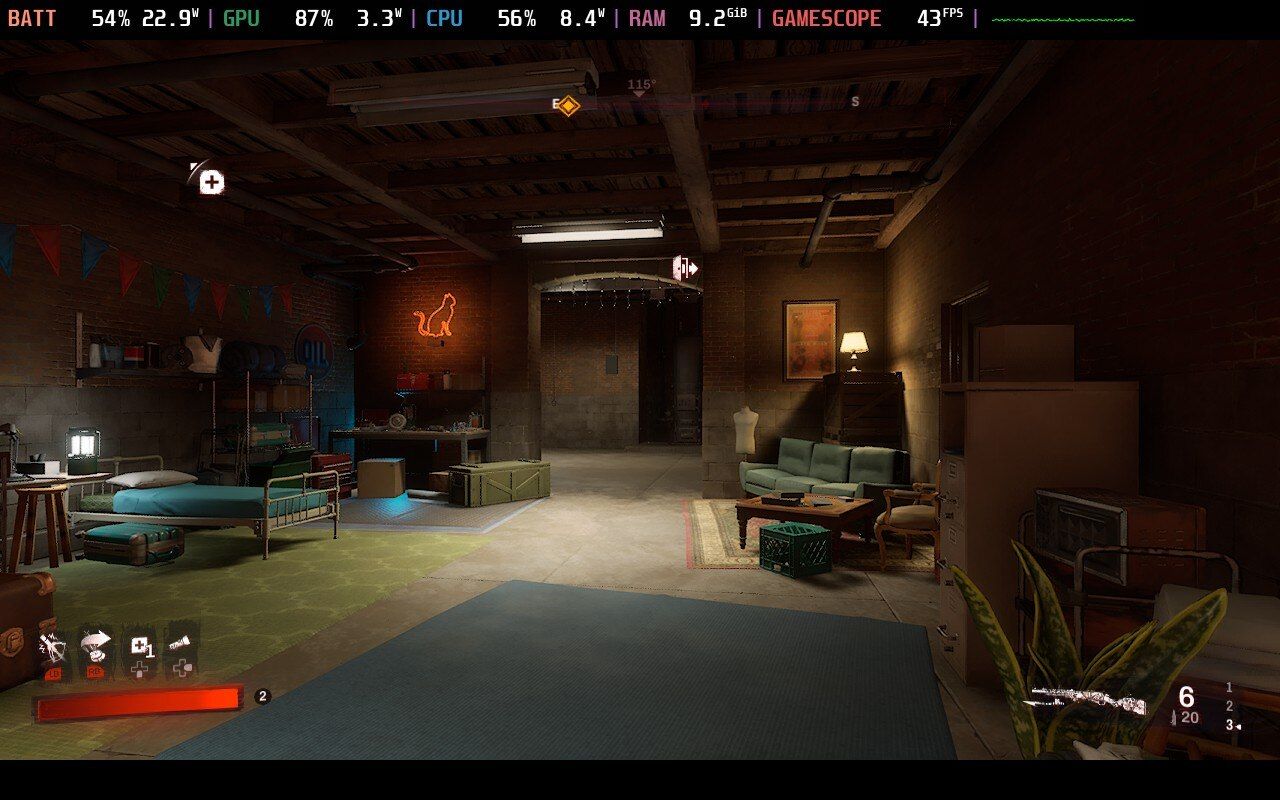
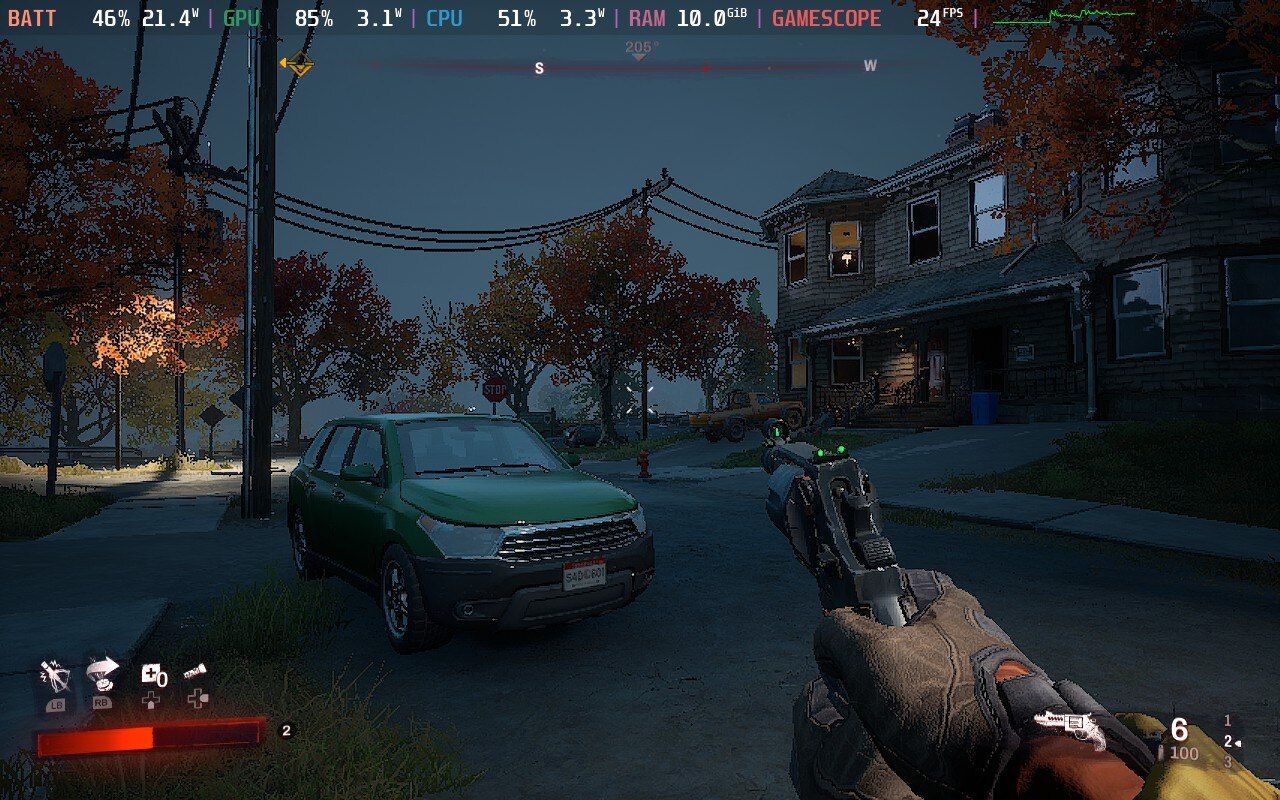
But unlike that other recent big release, Star Wars Jedi: Survivor, you can make it playable on Steam Deck with a few easy tweaks.
I’m not saying it’ll look good, but it’s a heck of a lot better than the default setting!
Before: 24fps for this grainy mess below.

After: 43fps, and things look smoother, too!

Before:

After:

So what’s the magic fix? Well, the game seems to default to 800p medium spec on the Deck — and with a form of AMD FidelityFX Super Resolution (FSR 2.1 Quality) that seems to not be working on the Deck right now.
Instead, I’m running the game at 1280 x 720p, low spec, with FSR 2.1 Ultra Performance, and while it can make the game look a little muddy in motion, at least now it’s playable!
Here are the settings I used:

Screenshot by Sean Hollister / The Verge
Before you start playing, one more tweak I recommend: pull up the Deck’s quick settings menu and, under Performance, set your Refresh Rate to 40Hz and Frame Limiter to 40fps. That should improve both battery life and responsiveness — you might notice my settings are consuming more energy, but I immediately saw a dip in wattage after locking the refresh rate and FPS at 40 each.
Until or unless Bethesda and AMD issue some fixes, that’s my recommendation for Redfall on Deck.
Follow topics and authors from this story to see more like this in your personalized homepage feed and to receive email updates.
Most Popular
Most Popular
- Bambu’s five-nozzle P3C isn’t quite the 3D printer I expected
- GTA VI PC recompilation project shut down by Take-Two
- Welcome to elite impunity, Jensen Huang
- The New York Times warns photographers not to update Photoshop over AI features
- You can lock in Hulu and Disney Plus for as low as $5 per month for a year